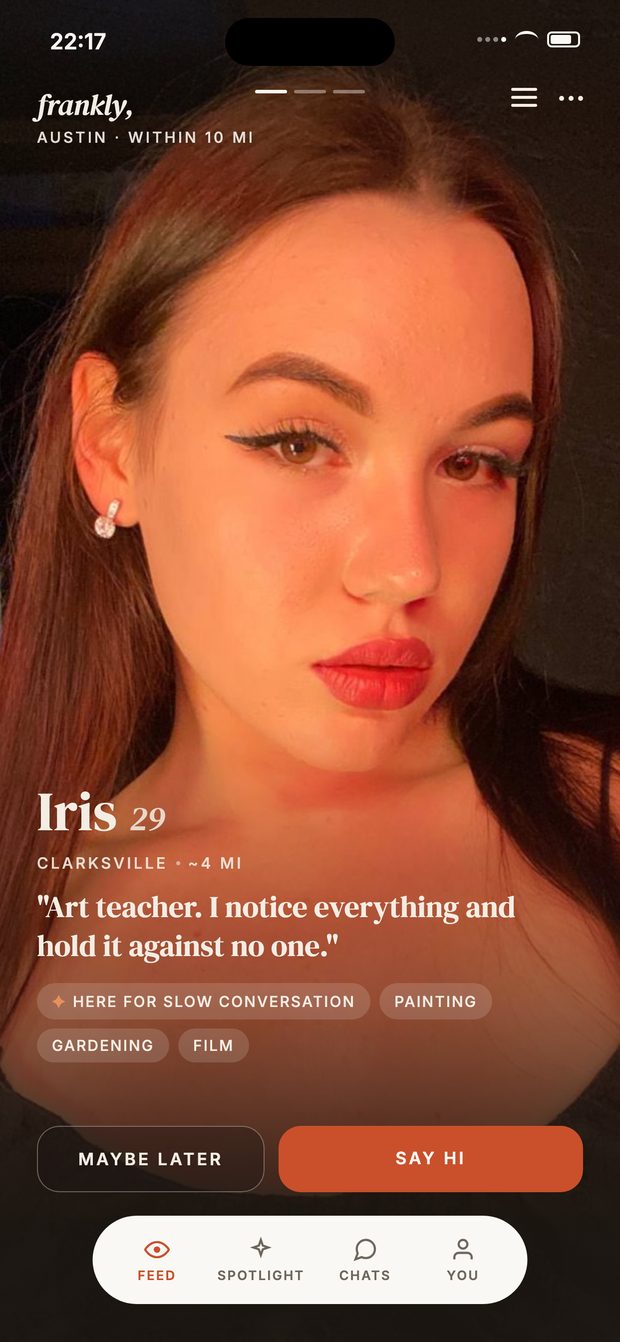
 One at a time. Maybe later, or say hi.
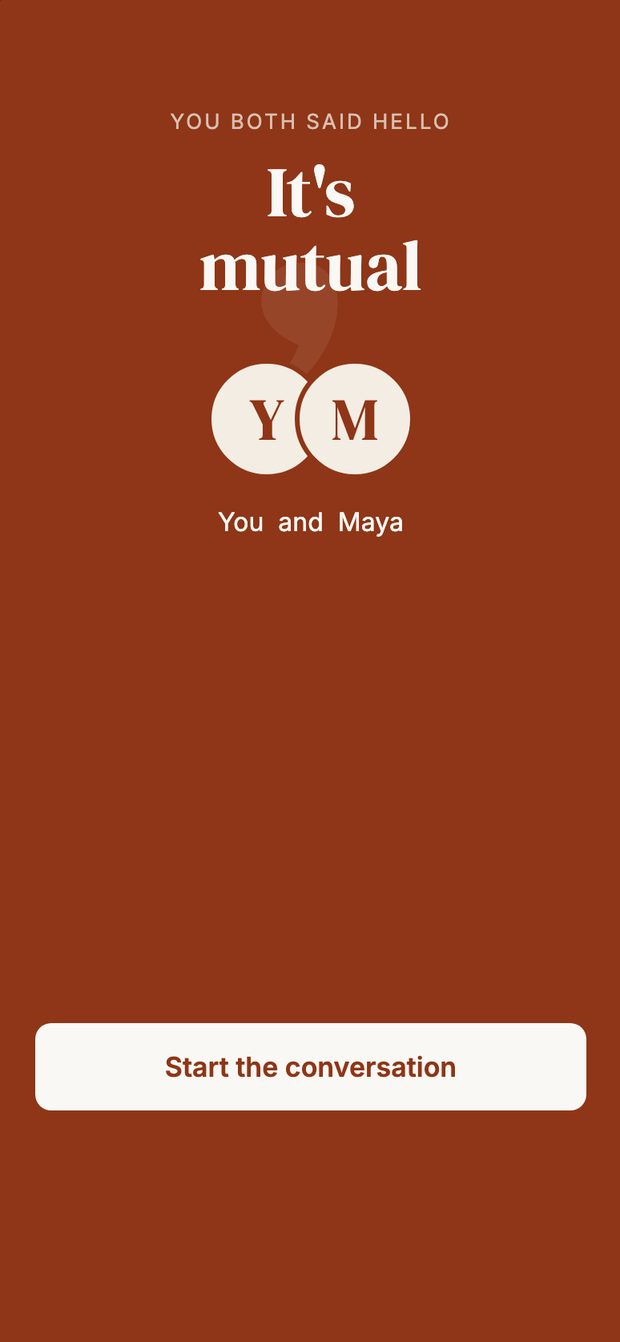 She says hi back. The chat opens.
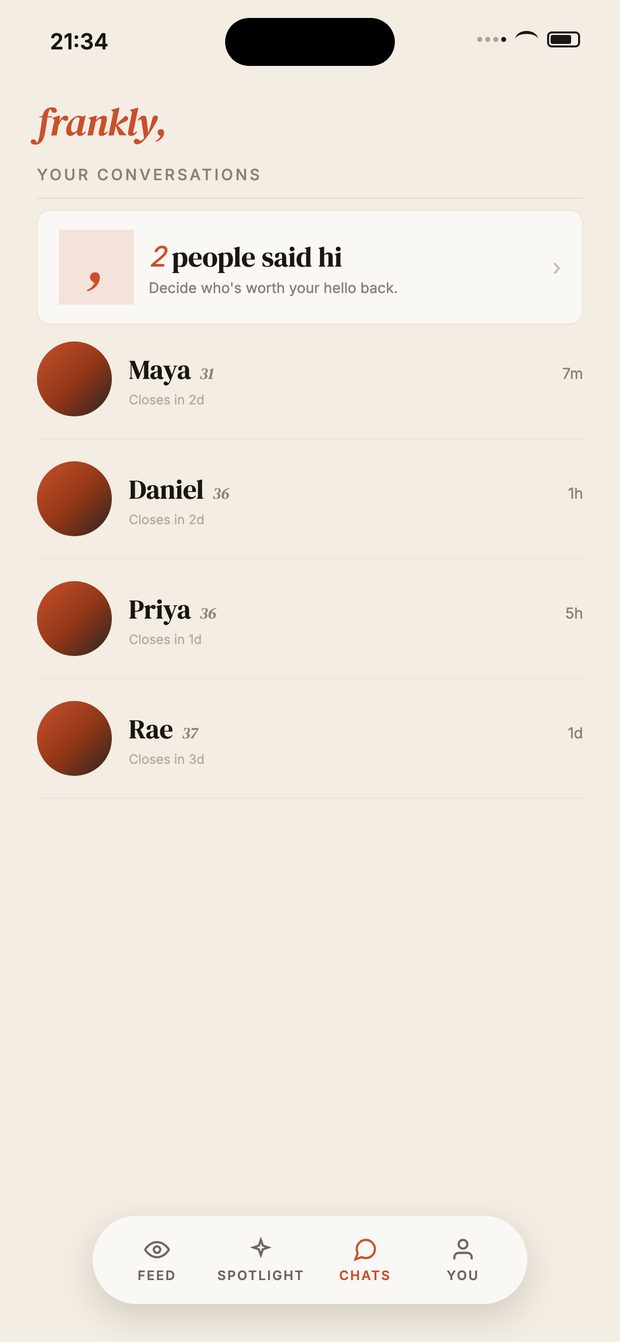 Your conversations. Nothing else competing.
Three taps. It opens like any app — and it’s the only way we can let you know when someone writes back.
Inside frankly
One at a time. Maybe later, or say hi.
She says hi back. The chat opens.
Your conversations. Nothing else competing.
What you get for the three taps
Seven profiles a day. Chosen for you and refreshed every two days. No endless deck to work through at midnight.
Every hello arrives with a message. Nobody here swipes. If someone reaches out, they wrote something first.
Every photo is checked by a person. Phone verified, reviewed by hand — not an algorithm waving people through.
You’ll actually know when she replies. iPhone only delivers notifications to the Home Screen app. In a browser tab, you find out late.